
The Approvals Room process

|
Once a file has been uploaded for approval, its status will automatically change to 'Awaiting approval'. The file can now be played by clicking on the ▶️button (which is gray, not blue, sorry!). |
 |
|
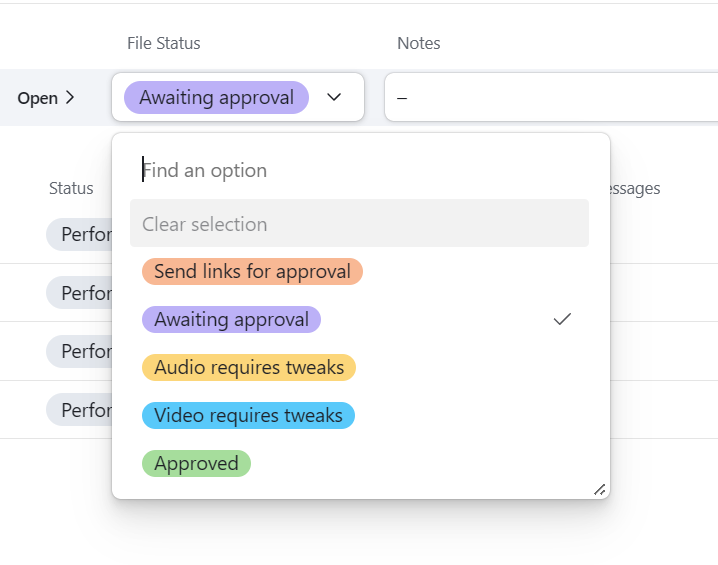
Once a file has been uploaded for approval, its status will automatically change to 'Awaiting approval'. The file can now be played by clicking on the ▶️button (which is gray, not blue, sorry!). |
|