|
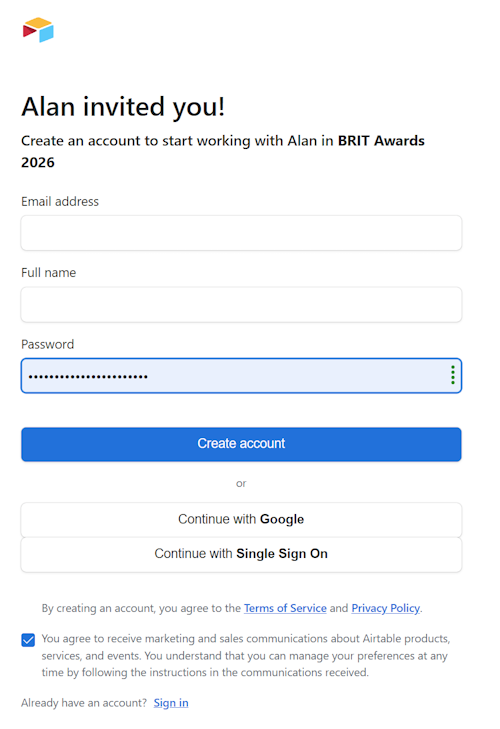
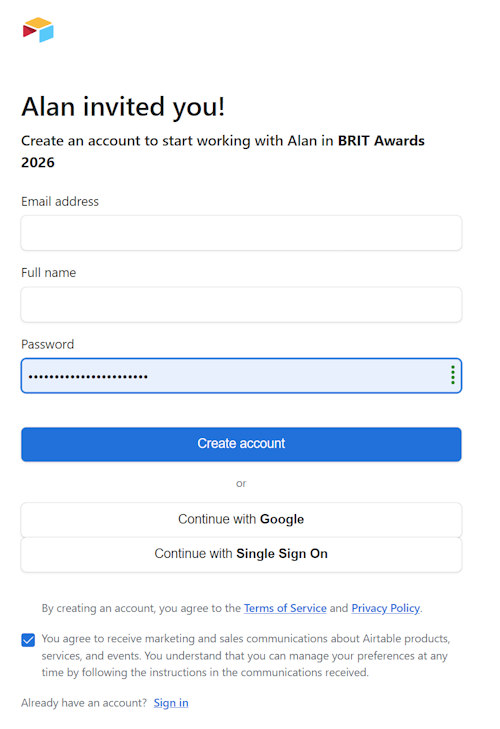
You will receive an invitation email with a link to a page similar to the one on the right, prompting you to create an AirTable account that will allow you to access the app.
Please ensure that the email address you enter is the same as the email address to which the invitation was sent. If you would prefer to log on with a different email address, do not complete the invitation form. Instead, email the person who invited you, and they will send a new invitation to your preferred address.
Please do not use Google or Single Sign On, as these are not currently supported in the app.
If you already have an AirTable account set up with the same email address as the invitation was sent to, you can use the Sign In link at the bottom of the page.
You may wish to untick the marketing and sales permission checkbox.
Once signed in you will be taken to the app's main menu.
|
 |